How Restaurants and Cafés Use AI to Confirm Reservations and Collect Pre-Visit Information Automatically
Still confirming bookings by hand? Your staff have better things to do during the dinner rush.
 · 9 min read

Estimated reading time: 7 minutes
Key Takeaways

- AI reservation systems confirm bookings instantly via SMS, WhatsApp, voice, and email — without your staff lifting a finger.
- Before the visit, AI collects party size, dietary needs, and special requests automatically, so your team is prepared on arrival.
- The technology sits on top of your existing booking platform (OpenTable, Resy, TheFork) — it doesn't replace it.
- Hybrid setups are the norm: AI handles first contact and confirmations while staff manage exceptions and complex requests.
- After-hours coverage is where the return on investment shows up fastest — bookings captured at midnight don't require a late-shift manager.
Table of Contents

- What AI Reservation Confirmation Actually Means for a Restaurant
- Collecting Pre-Visit Information Automatically Before Guests Arrive
- The Tools Restaurants and Cafés Are Using Today
- Common Mistakes to Avoid When Automating Reservations
- How to Set This Up in Your Venue Without Starting from Scratch
What AI Reservation Confirmation Actually Means for a Restaurant
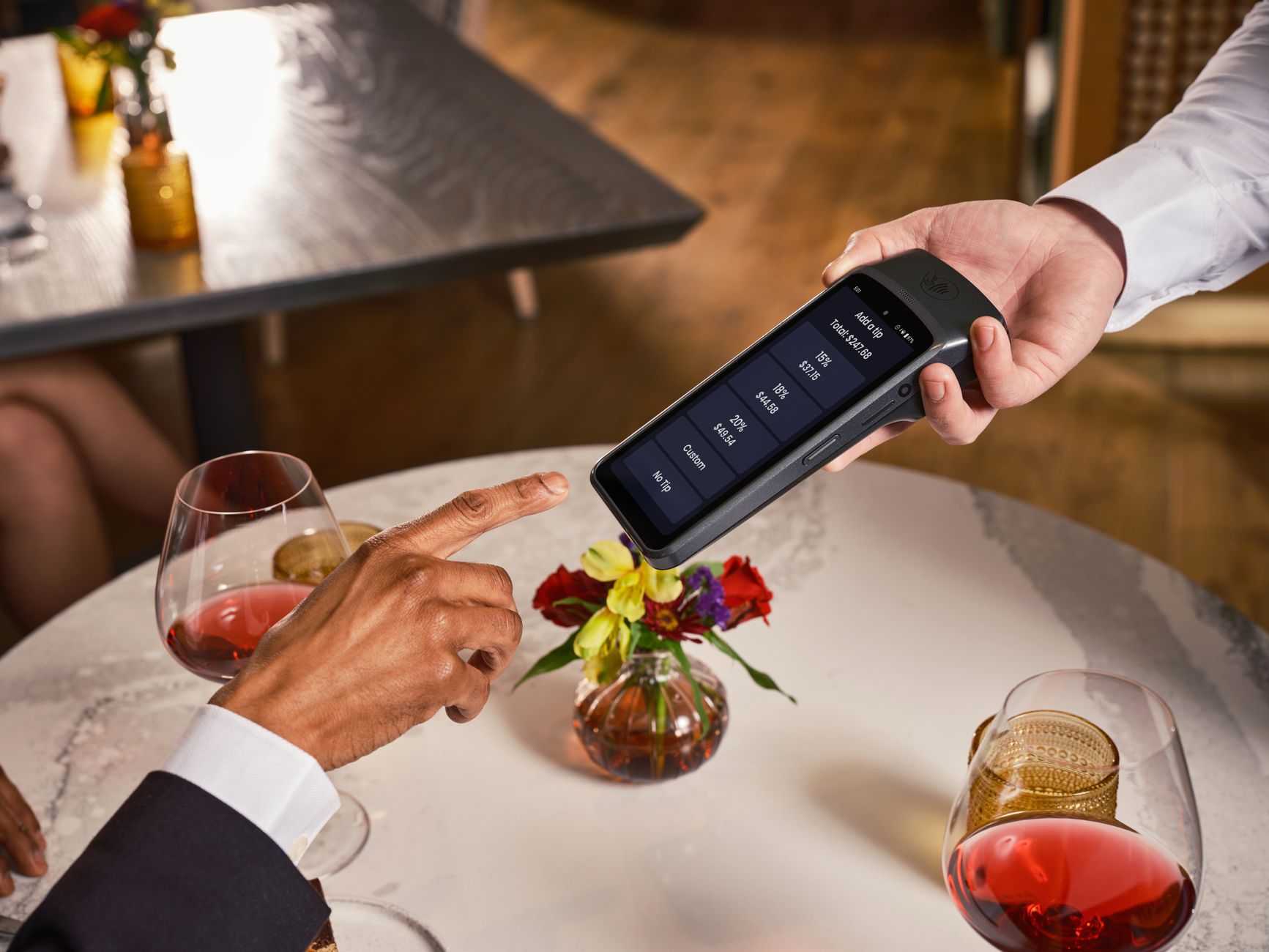
When a guest sends a booking request — whether through Instagram DM, WhatsApp, a phone call, or your website — someone has to respond. In most restaurants and cafés, that someone is a staff member who already has five other things to do. They check the diary, confirm availability, send a reply, and hope the guest actually shows up.
AI reservation confirmation replaces that loop. Here is a clear definition of what the technology does:
An AI reservation confirmation system is an automated workflow that receives a booking request through one or more channels (messaging apps, SMS, voice, or web), checks real-time availability against your booking calendar, creates or updates the reservation, and sends an immediate confirmation message to the guest — without any manual step by your team.
That confirmation can go out by SMS, WhatsApp, email, or even a voice callback, depending on how the guest contacted you. The system also handles changes and cancellations the same way: a guest texts to move their table from 7pm to 8pm, and the AI updates the booking and confirms the change in seconds.
This is not science fiction. Tools like HuskyVoiceAI handle reservation calls end to end — capturing details, checking availability, booking, and sending a confirmation — all through a voice interface. Bistrochat does the same across WhatsApp, LINE, WeChat, Telegram, Zalo, Messenger, and Instagram, and supports 80 languages. The guest experience feels like texting or calling your restaurant normally. The difference is your staff are not in the loop for every routine booking.
For venues that take reservations during service hours, this matters a lot. When your front-of-house team is handling a full dining room, answering the phone to process a booking request for next Saturday is a distraction that costs you either the guest on the phone or the guests sitting in front of you.
Collecting Pre-Visit Information Automatically Before Guests Arrive

Confirming a reservation is one step. What happens after confirmation is where most restaurants miss an opportunity.
Between the moment a guest books and the moment they walk through the door, there is a window to collect information that makes their visit smoother and reduces your operational surprises. AI systems can run this collection automatically, as part of the same confirmation flow or through a follow-up message sent a day or two before the visit.
What to collect and when
The most useful pre-visit data for a restaurant or café includes:
- Party size confirmation — guests sometimes book for four and arrive as six. A reminder message the day before can flag this early.
- Dietary requirements and allergies — collected at booking or in a pre-visit message, this reaches the kitchen before service rather than mid-order.
- Special occasions — birthdays, anniversaries, proposals. Knowing in advance means your team can prepare rather than improvise.
- Seating preferences — terrace, booth, wheelchair access needs. Captured upfront, this avoids awkward conversations at the door.
- Arrival time confirmation — a simple "Still planning on 7:30pm?" message sent the morning of the booking reduces last-minute no-shows and late arrivals that disrupt table turns.
How the AI handles the follow-up
After the initial booking confirmation is sent, the AI schedules a follow-up message based on the timing rules you set. The guest receives a short, conversational message — not a form, not a survey — asking one or two questions. Their response is captured and written back into the reservation record in your booking platform.
Where the better tools go further: they can check updated availability, propose alternatives if a request cannot be met, and even send a payment link for deposits — all within the same conversational thread. This is particularly useful for special-occasion bookings where a deposit policy applies.
The Tools Restaurants and Cafés Are Using Today
The market for AI reservation confirmation is active but fragmented. Most tools are built around specific channels or use cases, and the majority integrate with existing booking platforms rather than replacing them. Here is a realistic picture of what is available.
Messaging-first tools
Bistrochat is built for messaging apps. It handles reservation confirmation, updates, and cancellations across WhatsApp, LINE, WeChat, Telegram, Zalo, Messenger, and Instagram. Its multilingual support (80 languages) makes it relevant for venues in tourist-heavy areas or cities with diverse guest populations. Pricing is not publicly listed.
Boei for Restaurants works as an AI agent for bookings and confirmation emails, including follow-up messages. It connects to your existing booking platform rather than acting as a standalone diary.
SMS and voice tools
Bite Buddy focuses on SMS and voice, handling confirmations and reminders without staff involvement. The guest interacts through a familiar channel and the AI handles the rest behind the scenes.
HuskyVoiceAI is specifically built for phone-based reservations. It picks up calls, captures booking details, checks availability, creates the reservation, and sends a confirmation. For restaurants that still receive a high volume of phone bookings, this is a direct replacement for the front-desk call that interrupts service.
Conversational booking assistants
Reserver AI Assistant works as a full conversational booking flow — it checks availability, creates bookings, proposes alternatives when a time is full, and can send payment links for deposits. This is well suited to venues with complex seating, fixed menus, or deposit requirements.
What they have in common
None of these tools ask you to throw away OpenTable, Resy, or TheFork. They sit on top of your existing reservation system and write into it. The guest-facing interaction is automated; the data ends up in the platform your team already uses. That is an important distinction — you are not migrating your entire booking operation, you are adding an automated layer in front of it.
Common Mistakes to Avoid When Automating Reservations
Restaurants that struggle with AI reservation tools usually make one of three mistakes.
Mistake 1: Assuming AI replaces your reservation platform
It doesn't. In virtually every real-world setup, the AI acts as a front-end layer — it handles the conversation with the guest and then writes the booking into your existing system. If you go looking for an AI tool that replaces OpenTable entirely, you will either not find one or end up with a fragmented setup that creates more work than it saves.
Mistake 2: Treating it as a chat widget only
A common mistake is deploying AI for one channel — say, a website chat widget — and assuming that covers your needs. Real guest behaviour is spread across phone, SMS, WhatsApp, Instagram DMs, and email. A system that only covers one channel leaves the rest of your incoming requests unautomated. The tools that deliver the most operational value are the ones that handle multiple channels from a single workflow.
Mistake 3: Expecting fully hands-off automation for every case
AI handles standard bookings well. It struggles with ambiguous requests, complex group bookings, last-minute availability conflicts, and guests with unusual special requests. The right expectation is a hybrid setup: AI takes care of the majority of bookings that are routine, and your staff handle the edge cases that need a human judgment call. Build that handoff into your workflow from the start rather than discovering it when an exception falls through the cracks.
How to Set This Up in Your Venue Without Starting from Scratch
You do not need a technical team to get this running. The setup process is more about decisions than code.
Step 1: Map where your bookings come from
Before you pick a tool, write down every channel through which guests currently contact you to book: phone, WhatsApp, Instagram, email, website form, walk-in. You want a tool that covers your highest-volume channels first.
Step 2: Check your existing booking platform
Which platform does your venue use — OpenTable, Resy, TheFork, a spreadsheet, something else? Any AI tool you add needs to connect to it. Check the integrations list before committing to a trial.
Step 3: Define what you want to collect
Write a short list of the pre-visit information that would genuinely help your team: dietary needs, occasion type, seating preferences, party size reconfirmation. This becomes the data your AI collects in its follow-up messages. Keep it short — three to five questions maximum or guests will ignore it.
Step 4: Set your human handoff rule
Decide upfront what the AI cannot handle and what triggers a handoff to a staff member. Common handoff triggers: groups over 12, deposit requests above a certain amount, allergy combinations that require kitchen sign-off, requests for a specific table. This rule goes into the tool's configuration from day one.
Step 5: Run a two-week parallel test
Run the AI alongside your existing process for two weeks. Count how many bookings it handled without staff intervention, how many needed a handoff, and whether any guest experienced a problem. Use that data to adjust your handoff rules and message templates before going fully live.
Conclusion
Confirming reservations and collecting guest details before arrival are two tasks your staff will always be better off not doing manually at scale. The technology to automate both exists today, it connects to the platforms you already use, and the setup is within reach for any restaurant or café owner willing to spend a few days configuring it properly.
The realistic outcome is not a fully autonomous front desk. It is a system that handles routine bookings around the clock, sends the right follow-up questions automatically, and passes the edge cases to your team — so your staff can focus on the guests who are actually in the room.
Want to go further? Join the Skool group (200+ entrepreneurs) and the AI builders' Discord → Join the community
Running a business and want to automate your content or processes with AI? → Book a call
FAQ
Can AI confirm restaurant reservations automatically without staff involvement?
Yes, for standard bookings. AI reservation tools check real-time availability, create or update the booking in your existing platform, and send an immediate confirmation to the guest by SMS, WhatsApp, or email — without any manual step from your team. Exceptions and complex requests still typically involve a human handoff.
What information can an AI collect from guests before their restaurant visit?
Party size, dietary requirements and allergies, special occasions, seating preferences, and arrival time confirmation are the most common. The AI sends a structured follow-up message after the initial booking confirmation and writes the guest's answers directly into the reservation record.
Does AI for restaurant reservations replace OpenTable or Resy?
No. In practice, AI reservation tools sit on top of your existing booking platform — they handle the guest-facing conversation and then write the booking into OpenTable, Resy, TheFork, or whichever system you already use. You are not migrating your booking operation; you are adding an automated layer in front of it.
Which AI tools are restaurants using for automated reservation confirmations?
The main options include Bistrochat (messaging apps across 80 languages), Bite Buddy (SMS and voice), HuskyVoiceAI (phone calls), Reserver AI Assistant (conversational booking with payment links), and Boei for Restaurants (booking agent with follow-up emails). Each focuses on specific channels, so the right choice depends on where your guests contact you.
How does AI help restaurants reduce no-shows?
AI systems send automatic confirmation and reminder messages before the reservation date — typically 48 and 24 hours in advance. The reminder can ask guests to confirm their attendance or flag a change in party size. Several vendors position this workflow as a no-show reduction tool, though independent benchmarks are limited and results vary by venue type and booking policy.
Is AI restaurant reservation automation suitable for small cafés or only larger venues?
It is relevant for any venue that receives bookings through multiple channels and wants 24/7 coverage without adding staff. The strongest use case is venues where after-hours inquiries matter — guests who try to book at 10pm on a Monday when no one is available to answer. Setup complexity and cost vary by tool, so starting with a free trial on your highest-volume channel is a practical first step.
On voit si l'IA peut faire cartonner votre business ?
15 minutes, cash. Pas de script, pas de jargon. Au pire, on vous dit que ce serait un flop — et vous aurez gagné du temps.